Broadcast Storytelling
Understand how information, entertainment and visual communication are planned for TV, web and digital distribution.
Learn broadcast design and TV production through a career-focused mix of video editing, motion graphics, 3D design, scriptwriting, on-air presentation, digital design, sound editing and TV journalism.
Build the skills used to package news, shows, digital broadcast content and on-air visual identities.
Broadcast media now spans television, radio, streaming platforms, web content and digital news. This page is shaped around that modern communication landscape while staying true to MAAC RDC's red, gold and black visual identity.
Understand how information, entertainment and visual communication are planned for TV, web and digital distribution.
Create show packaging, title graphics, lower thirds, transitions and visual elements that make content look channel-ready.
Move from script and footage to edit, motion design, sound polish and final delivery with a practical production approach.
The course content is organized into practical learning paths so students can see how broadcast design, journalism and post-production connect inside a real media pipeline.
The digital landscape is evolving at lightning speed, and APDMC Plus is designed to keep you ahead. From graphic design fundamentals to advanced UI/UX strategies, motion graphics to web development, and 3D design to content creation, this program provides an all-in-one learning experience to build versatile and job-ready skills.
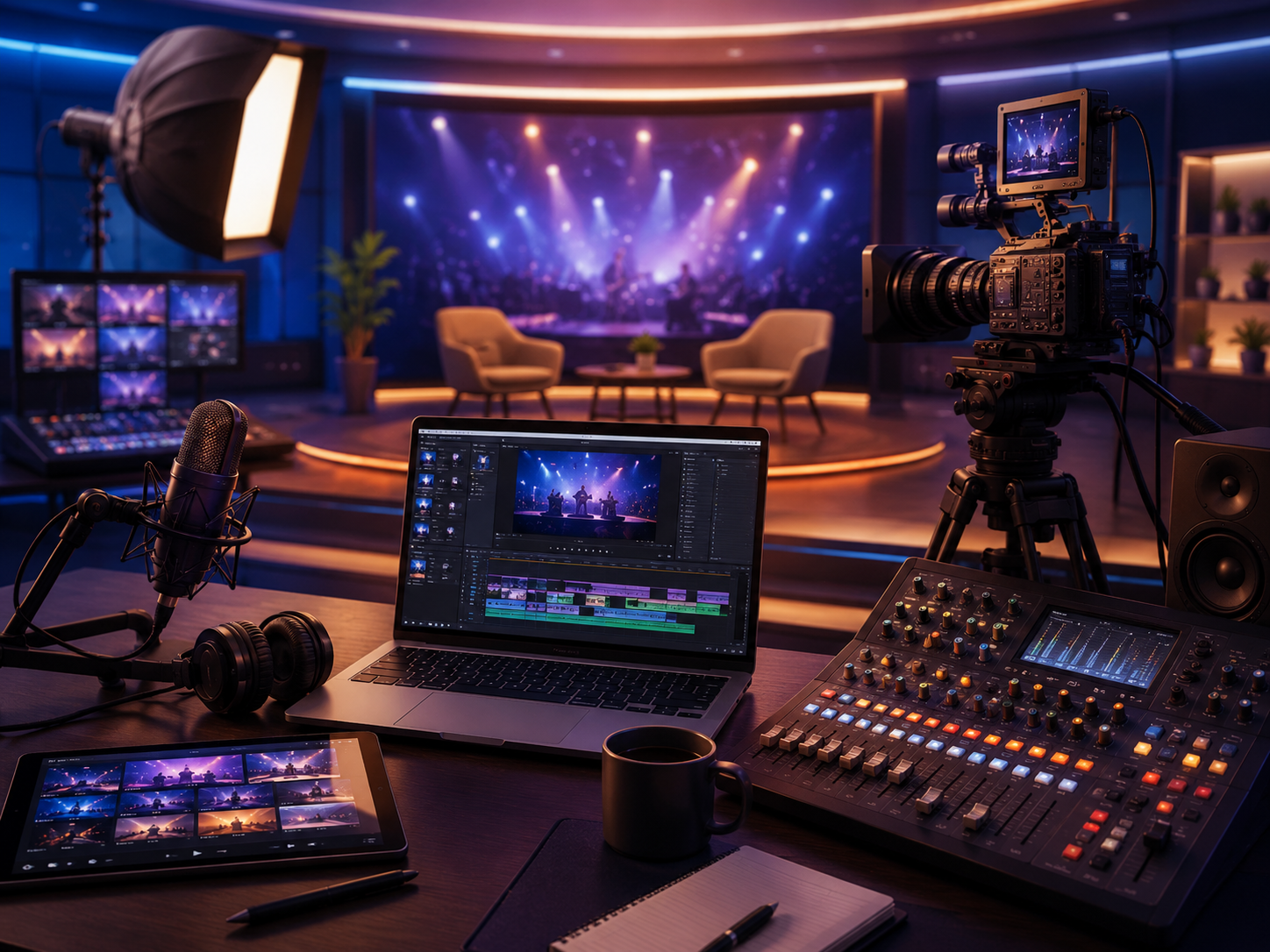
The Broadcast Plus program is designed for individuals passionate about visual storytelling, live production, and digital content creation. Get hands-on training in industry-standard software and learn how to create compelling motion graphics, live-action compositions, and professional-grade visual effects used in TV news, sports broadcasts, online media, and digital branding.
A strong broadcast creator understands the whole chain: what to say, how to edit it, how to design for screen, and how to polish the final sound and graphics for delivery.
Start with scriptwriting, story angle, visual references and a clear communication goal for the package.
Organize footage, photos, audio, brand graphics and references so the edit can move fast and stay clean.
Cut the story, build lower thirds, add motion graphics, shape 3D or digital design elements and maintain visual rhythm.
Clean dialogue, balance music and effects, export broadcast-ready versions and present the work professionally.
Broadcast Plus style training can support roles across television, digital media, news packaging, branded video and motion-driven screen communication.
Create screen graphics, visual packages and media assets for TV and digital channels.
Shape stories using cuts, timing, transitions, titles and platform-ready exports.
Design animated graphics for news, shows, ads, social media and channel identity.
Polish voice, ambience, music and effects so broadcast packages feel clear and professional.
Combine script, visuals, edit decisions and graphics for TV journalism workflows.
Use 3D design thinking for titles, virtual elements and sharper screen presentation.
Here are quick answers for students comparing broadcast design, TV production and post-production courses in Ghaziabad.